Speak. Sayso writes it down.
Press a key, speak, and the text lands in the app you are using. Your voice does not leave your computer.
Free. Pay what you want. For Mac now, Windows and Linux soon.
Sayso runs on a computer. For Mac now, Windows and Linux soon.
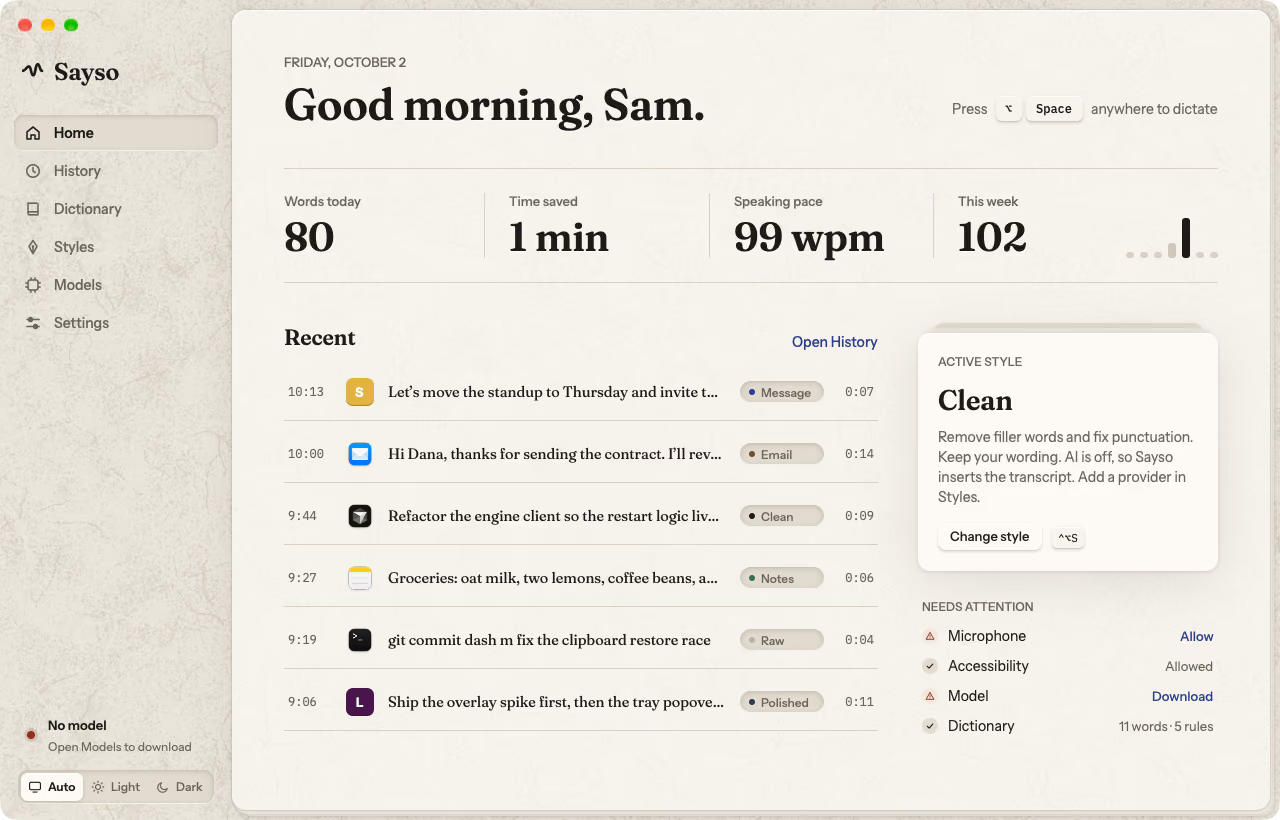
The film
01
Press a key.
One hotkey starts a dictation in any app. Press it again to stop, or set a key that records while you hold it. A small pill waits at the edge of your screen.
One hotkey starts a dictation in any app. Press it again to stop, or hold a key to record.
02
Speak.
The overlay shows your voice as ink and your words as you say them. A speech model on your own computer does the transcription. Eight seconds of speech take less than a tenth of a second.
The overlay shows your voice as ink and your words as you say them. Transcription runs on your computer.
03
The text is there.
Sayso puts the text at your cursor and gives your clipboard back. A style can clean it or shape it as a message, an email, or notes. If an app refuses the text, it stays on screen and in History.
Sayso puts the text at your cursor and gives your clipboard back. A style can clean it or shape it.
What leaves your computer
- Your voice
- Nothing
- Your text
- Nothing
- Usage data
- Nothing
With a local model and AI off. That is the default.
04
Nothing leaves, unless you say so.
No account and no telemetry. A cloud model or an AI style is your choice, with your own key, and the app names each place that your words go. The source code is public.
No account, no telemetry. Cloud models are your choice.
05
Free. Pay what you want.
Saysojustsayso.app
- Dictation app
- 1
- License key
- none
- Trial period
- none
- Subscription
- none
Totalyou choose
Zero is a valid amount.
Thank you.
One person builds Sayso, and the people who use it pay for it. You choose an amount before the download, and you get the same app for each amount.
One person builds Sayso, and the people who use it pay for it.
Choose your amount